Common problems of strip lights
Why do some light beads not light up or the entire group of light beads (3 lights per group) not light up after installing the light strip?
Pulling and pulling the light strip forcefully during installation is the cause of its damage. 1. The solder joints may loosen, crack, or even completely fall off. Reason 2: Internal copper foil breakage. Excessive pulling can cause the copper foil to be stretched, thinned, or even broken.
How to operate correctly and avoid pulling and damaging?
1. Handle gently: When holding the light strip, hold the strip itself, not just the wires. If you need to move a longer light strip, it is best for two people to cooperate.
2. Side by side placement: During installation, especially when using adhesive backing, do not tear off the entire roll of light strip adhesive at once. You should first tear open a small section, stick it in place, and then gradually tear and fix it, allowing the light strip to naturally adhere to the installation surface and avoid tension.
3. Avoid "straightening": If the light strip is bent, it should be placed naturally along its curvature, and do not forcefully straighten it to achieve a straight effect. If a straight installation is required, the path should be planned in advance to allow the light strip to be smoothly laid over.
4. Use auxiliary tools: When installing over long distances or complex paths, you can use light strip card slots, fixed buckles, etc. First, fix the card slots, and then easily insert the light strip, which can greatly avoid pulling and pulling during installation.
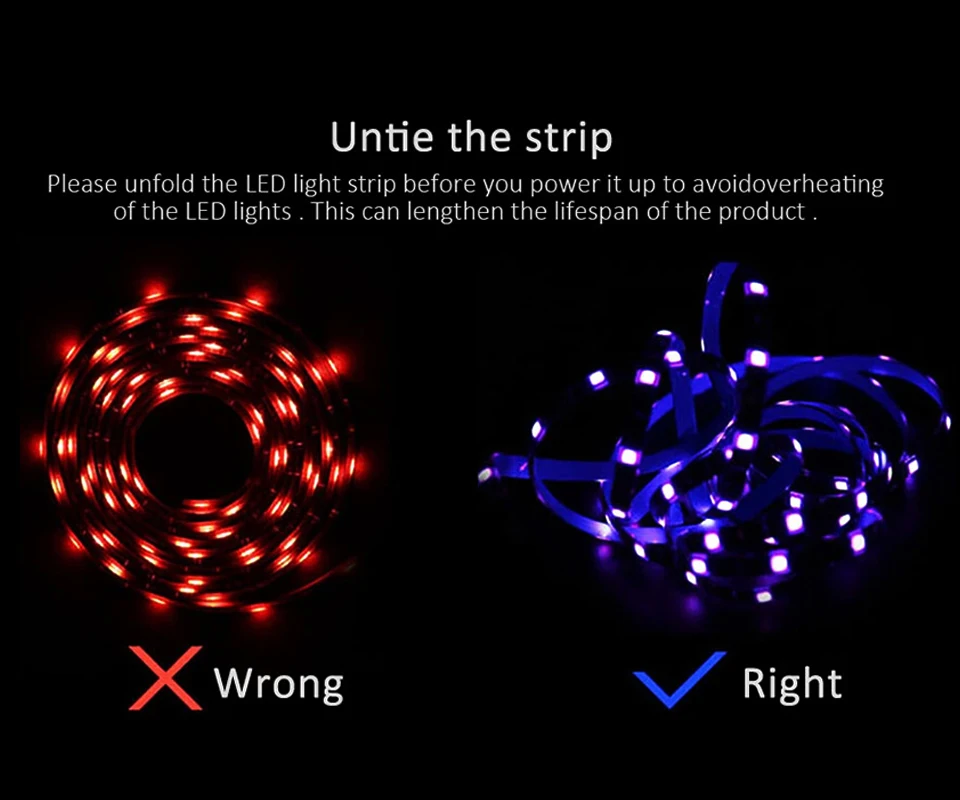
The most reliable method is to conduct a power-on test before finally securing all the light strips and power supplies. If a certain section is found to be non-functional, the problem is likely to be in the area where it was pulled or stretched.Please unfold the LED light strip before you power it up to avoid overheating of the LED lights. This can lengthen the lifespan of the product.
What if I accidentally pull it and cause damage?
Use the accessories we provide. we have a sharing link or you can consult us
Common issues with network connection
Tuya / Smart Life Tips--Network
Be sure that you are using 2.4GHz WiFi when connecting with the smart led strip. And WiFi must be detectable status. Many routers have 5 GHz and 2.4 GHz network and your phone will always automatically connect to the 5 GHz network. So, you have to completely turn off your 5 GHz network by going to your router settings (enter the router IP address into your internet browser, usually something like 192.168.1.1), forcing your phone to connect to the 2.4 GHz network. In addition, the router encryption mode must be WPA2-PSK type and the authentication type must be AES.
How to configure separate Wi-Fi SSIDs for 2.4GHz and 5GHz bands?
If your router supports both the 2.4 GHz and 5 GHz bands, but only one Wi-Fi name is displayed on the Wi-Fi search page of your mobile phone, perform these steps:
1. Go to the Wireless page of the router. (The entry address is usually provided on the label attached to the back of the router).
2. Go to the 2.4 GHz setting page, and set the Wi-Fi name (SSID) to XXX-2.4G, where xxx indicates the Wi-Fi name. Save setting.
3. Go to the 5 GHz setting page, and set the Wi-Fi name (SSID) to XXX-5G, where xxx indicates the Wi-Fi name. Save setting.
How to set the router to "DHCP Server"?
If the "DHCP" function of the router is not turned on, with multiple smart devices in the home, which will affect the normal use of connected devices, please refer to the following steps:
1. Enter the LAN Settings (LAN) page of the router.
2. Find the DHCP " setting option
3. Open the DHCP setting option
4. Save the Settings and then
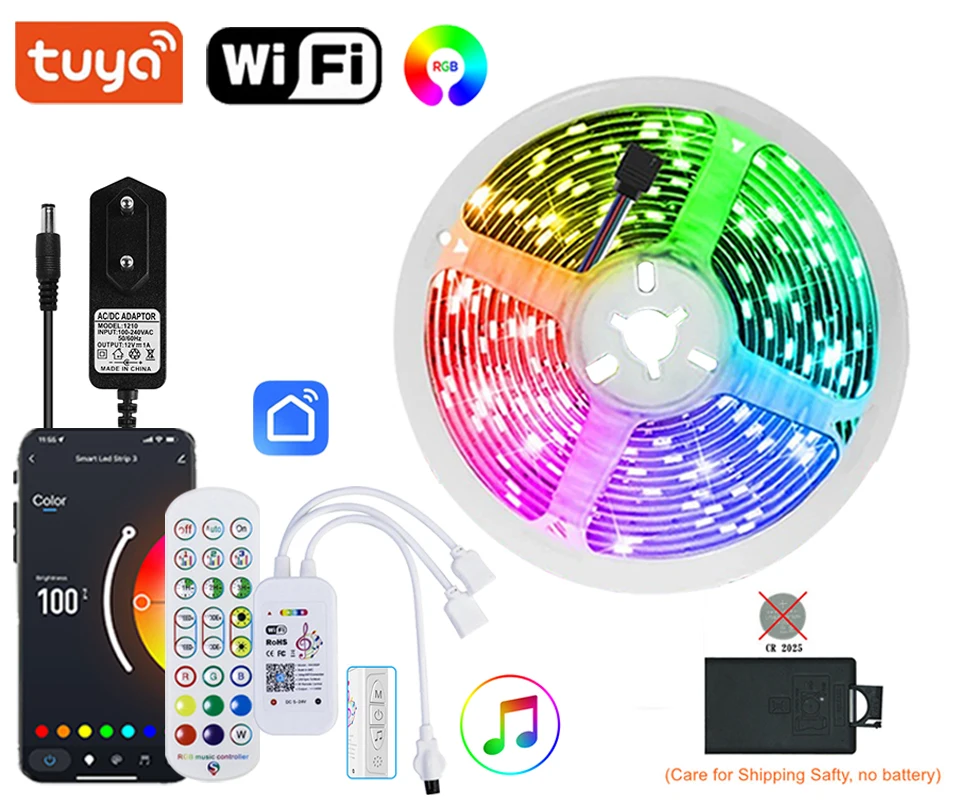
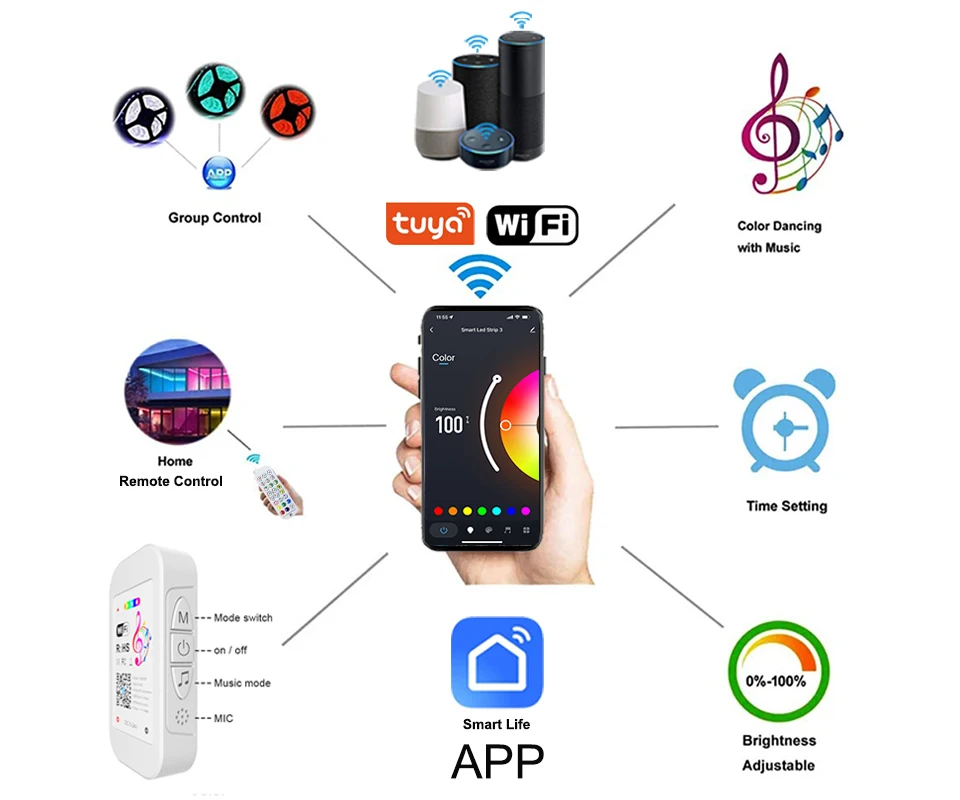
How to connect Tuya / Smart Life APP
Step 1: Search "Tuya" or "Smart Life "on Phone to download it.
Step 2: Connect led strip to your local 2.4G WIFI with your phone connecting to it.
Step 3: Set up your Tuya account. Add Device>Lighting devices and confirm the device in the App.
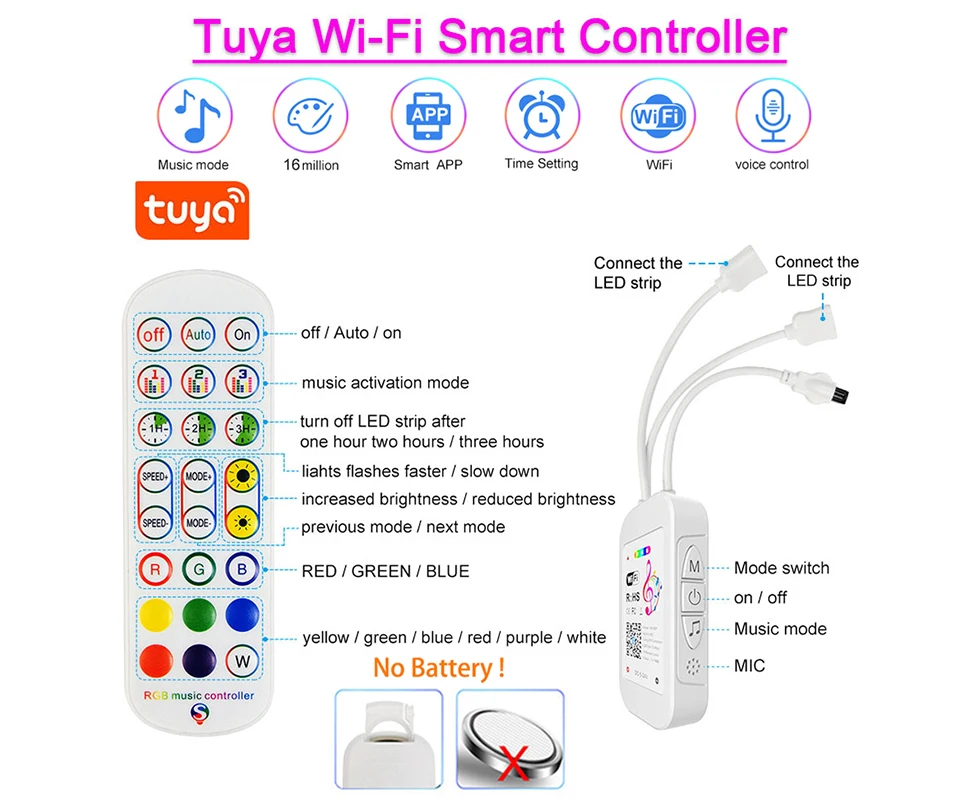
Step 4: Easy Mode or APP Mode(Press on/off button of the device 5 times)


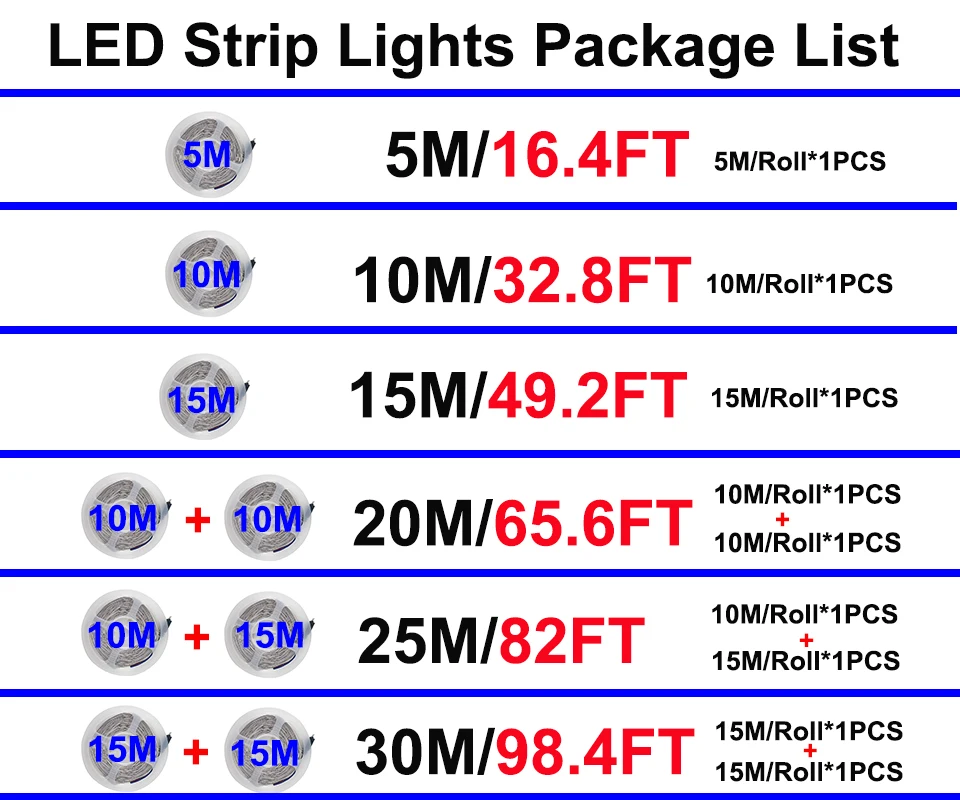
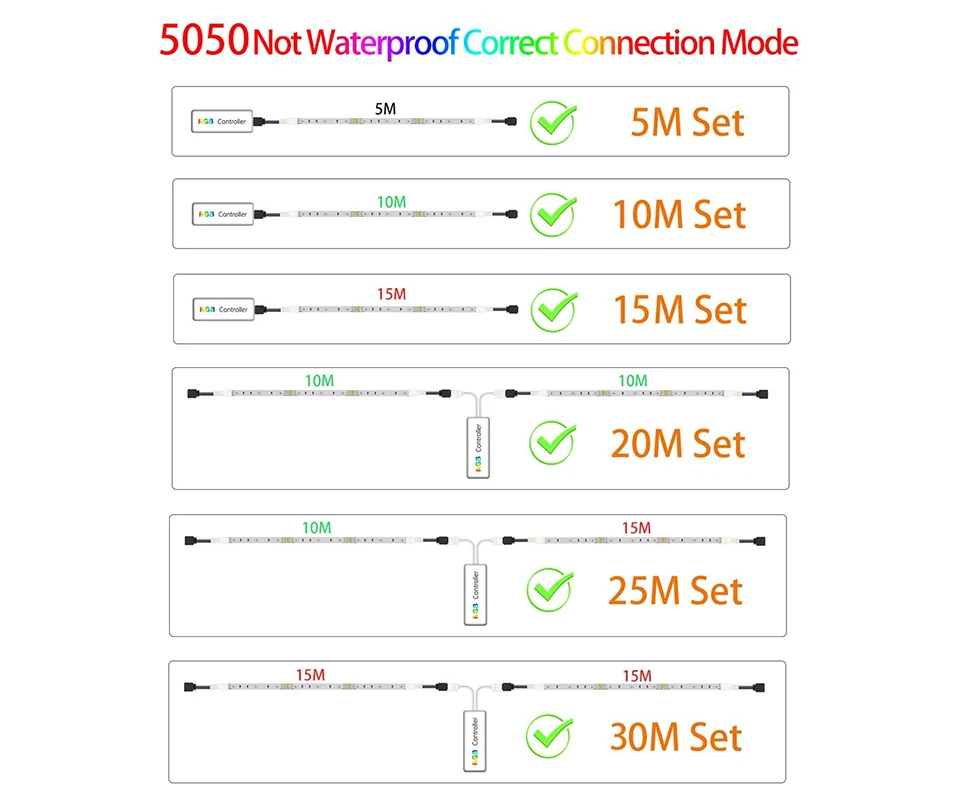 Specification :